



Wearable App Development: The UK Decision-Maker's Guide.
Explore apps for wearables. Our guide covers platforms, development, UX constraints, and business cases for creating your own wearable app.
Wearable App Development: The UK Decision-Maker's Guide.
Wearable app development is the design and build of software that runs on, or pairs with, a body-worn device: a smartwatch, a fitness band, a smart ring, or a piece of clinical monitoring kit. That is a specialised branch of mobile app development, not a separate discipline. The market for those builds has moved beyond pilot budgets. Intel Market Research puts the global wearable device app development service market at USD 5.32 billion in 2026, up from USD 4.64 billion in 2025 and heading for USD 15.34 billion by 2034 on an 18.8% CAGR.
Most guides on this topic pick one lane: a platform comparison, or a cost table, or a compliance checklist. You need all three at once, plus an honest view of what happens after launch.

The smallest screen you will ever have to argue about.
Key Takeaways
- Wearable app development splits early into two very different products: a companion app that leans on the phone, and a standalone app that has to stand on its own.
- Wearable app development is mostly backend and integration work. The watch screen is the smallest part of it.
- Platform choice in the UK depends on your users. watchOS held 47.52% of the UK wearable market in 2025 while Wear OS grew faster, so the global picture is a poor guide.
- Integration is usually the long pole, not the watch UI. Enterprise systems, cloud pipelines and clinical records set the timeline.
- Health is the biggest single application of wearables, at around 31% of deployment, and the UK's virtual-ward push is pulling that further.
- Adoption is winnable but not automatic: 64% of smartwatch owners install third-party apps, averaging 8.4 per device. Your app is competing for one of those slots.
What Is Wearable App Development?
Wearable app development covers the whole job of getting useful software onto a device someone wears: the on-device interface, the sensor and data layer underneath it, the sync logic back to a phone or cloud, and the backend that turns raw signals into something a person or a clinician can act on.
The form factor keeps widening. Smartwatches are the obvious case, but smart rings shipped more than 4 million units globally in 2025, more than double the year before, with health and wellness tracking taking a 35.9% majority share of applications. A ring has no screen at all, which forces every decision about where the experience actually lives.
The device is an input and a nudge, and the product is mostly everything behind it.
Companion Apps vs Standalone Wearable Apps
Every wearable app development project forks here first, and the fork costs more than any later decision.
A companion app extends a phone product onto the wrist. Account setup, settings, history and anything complex stay on the handset. The wearable handles alerts, one-tap confirmations and glanceable status. Scope is smaller, and you learn faster whether users want the wrist layer at all.
A standalone app runs with little or no phone dependency. It handles its own onboarding, permissions, storage and sync. That matters when the phone might not be there: a runner without a handset, a nurse on a ward round, a field engineer with both hands busy. Get this split wrong and you end up retrofitting companion apps for wearable tech after users have already told you what they want with their behaviour.
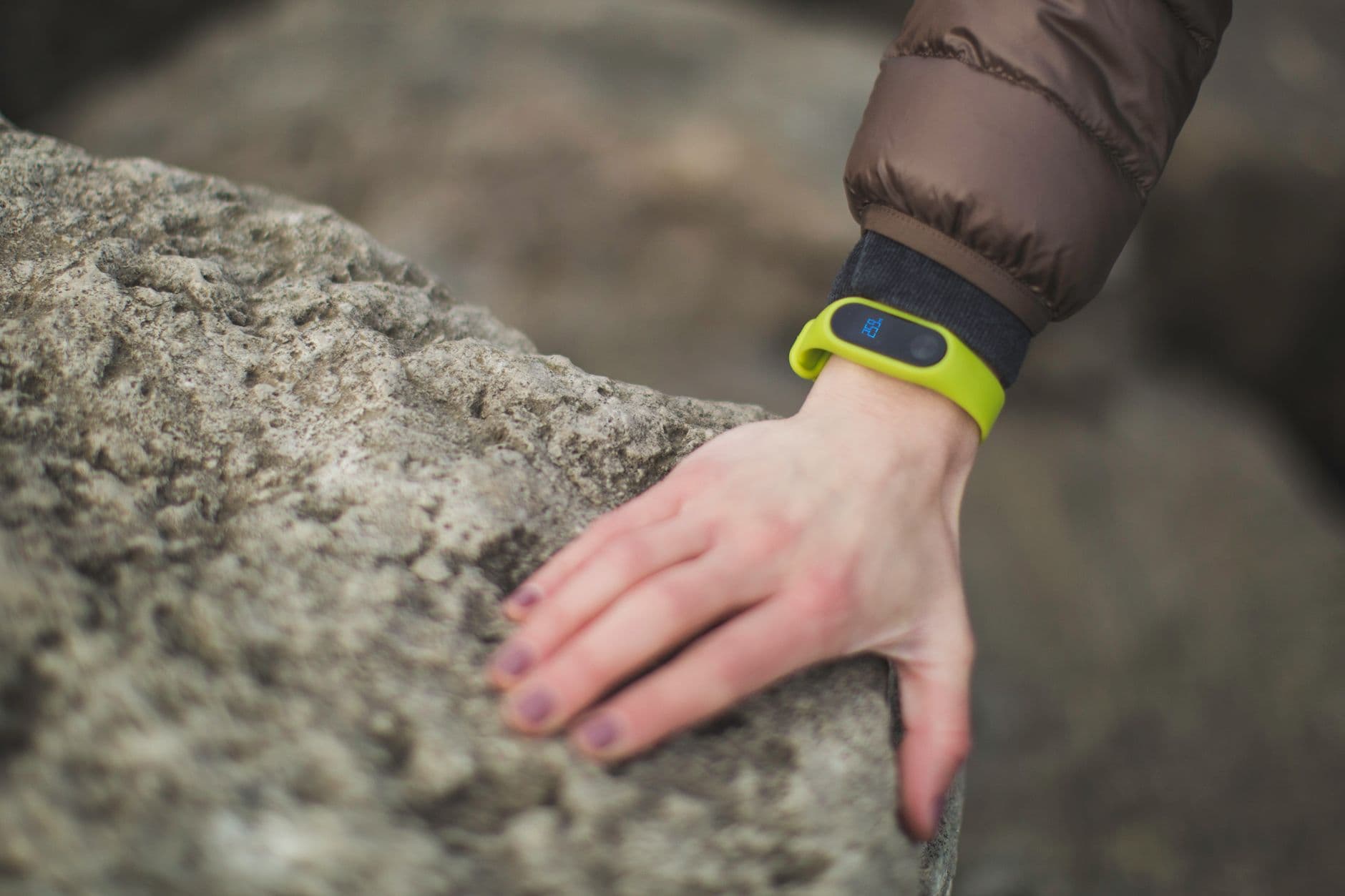
Platform choice, made for you by whatever is already on the wrist.
Most teams should start companion-first. You may find the wrist adds nothing your notification tray was not already doing, and that is a cheap lesson at companion scope and an expensive one at standalone scope. Go standalone when the moment of use reliably happens away from the phone, not when it occasionally could.
Wear OS, watchOS or Cross-Platform: Choosing a Platform
Start with your users, not the technology. In the UK wearable market, watchOS captured 47.52% share in 2025 while Wear OS advanced at a 15.83% CAGR, per Mordor Intelligence. If your product serves the general UK public, watchOS is where the installed base sits today, and Wear OS is where the growth curve points. Serving a workforce on issued Android hardware flips that answer entirely.
The engineering trade-off is predictable. watchOS gives you fewer device variables, one design system and Apple's review process. Wear OS gives broader hardware coverage across manufacturers, and pays for it in testing matrix and manufacturer-layer edge cases.
Cross-platform is where the lock-in question usually lands. A shared codebase can cut real duplication when the wearable is a thin layer over a mobile product you already maintain. It disappoints when the value depends on deep sensor access, because you end up writing native code anyway and paying for the abstraction on top. The same trade-off shows up in talking to connected devices from a Flutter app, where deep sensor and Bluetooth access can push you back to native modules regardless of the framework you started with.
A practical test: if you removed the watch tomorrow, would the product still work? If yes, cross-platform is likely fine. If no, go native on the platform your users actually wear.

Where integration stops being a diagram and starts being a person.
Integrating Wearable Apps With Enterprise and Clinical Systems
Buyers researching wearable app development ask about SAP, cloud infrastructure and electronic health records far more often than they ask about watch faces, and competing pages answer it thinly. The pattern is much the same whatever the system on the other end.
Device data lands in a cloud ingestion layer first. It gets normalised there, mapped to whatever schema the receiving system expects, then pushed over an integration surface the enterprise already trusts. For clinical work in the UK that usually means FHIR resources. For an ERP or workforce platform it means the vendor's own API and event model. The wearable app itself rarely talks to SAP or an EHR directly, and it should not.
Three things decide how long this takes:
- Data ownership. Whoever controls the source system controls your timeline. Get that conversation started before design, not after.
- Consent and lawful basis. Health and biometric data is special category data under UK GDPR. That shapes your data model, not just your privacy policy.
- Identity. Matching a device reading to the right person in the enterprise system is harder than it sounds, and it is where quiet failures live.
Health and Fitness Data: What Wearables Can Reliably Capture
Healthcare is the largest application of wearable technology, accounting for around 31% of deployment, with remote monitoring devices improving treatment adherence by 33% and wearable ECG adoption rising 41%, according to Business Research Insights.
Accuracy has moved with it. Smartwatches have flagged more than 280,000 medical conditions, and Apple Watch ECG detection has shown 94.8% sensitivity and 95% specificity across 4,241 participants, per SQ Magazine. Heart rhythm, movement, sleep staging and activity are all capturable at useful quality. Sleep is its own specialism inside that list; see our note on sleep technology for what wearables get right and where they still guess.
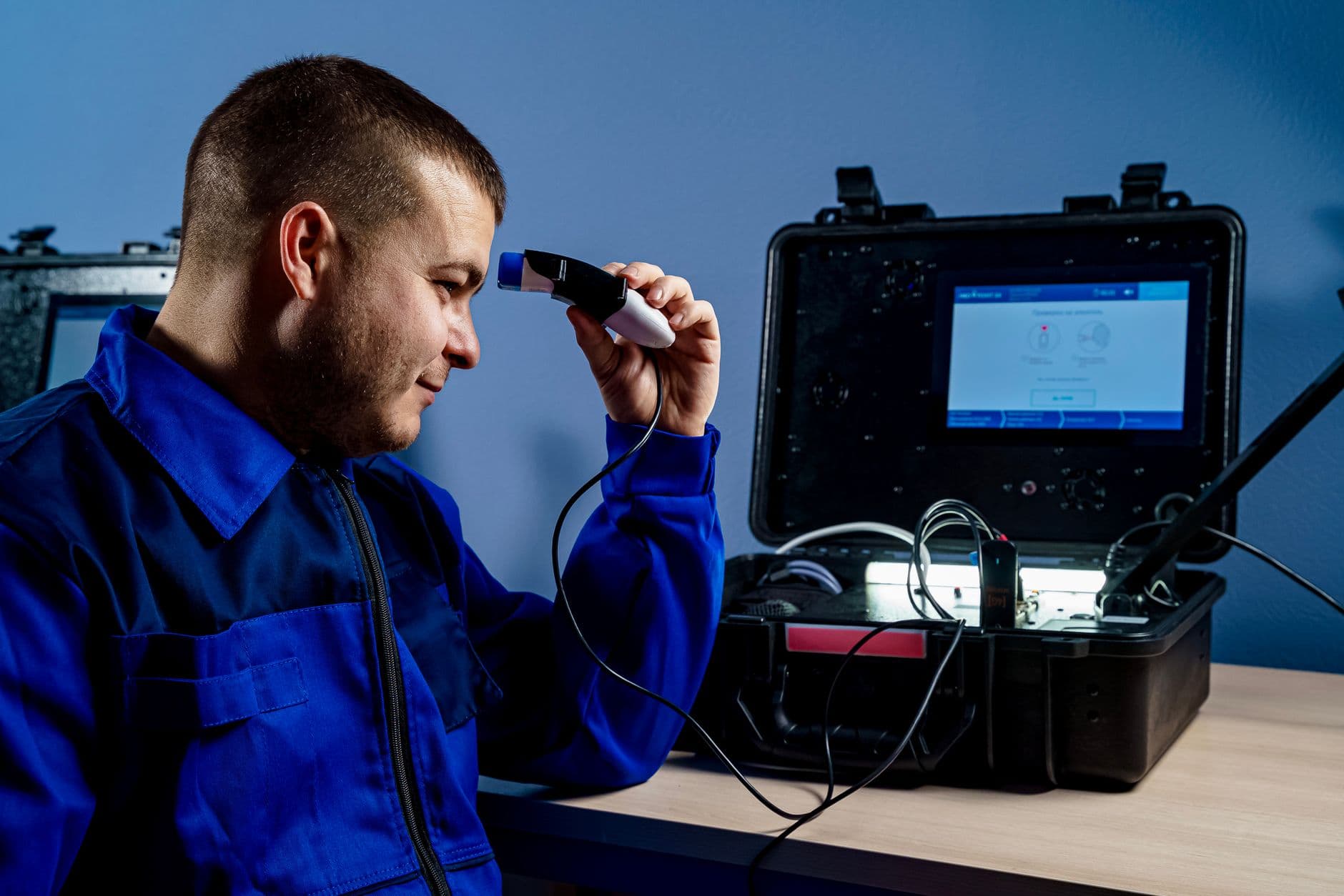
Five variables decide the cost. None of them is the app.
The limits are worth naming plainly. Optical heart-rate readings degrade with motion, skin tone and fit. Sleep staging is inference, not measurement. Blood pressure and glucose from consumer wrist hardware remain unreliable enough that you should not design a clinical decision around them. Build for the signals that hold up, and let the phone or the clinic handle the rest.
Wearables in UK Healthcare: Virtual Wards and Remote Monitoring
The UK angle is where the commercial case gets concrete. Mordor Intelligence records remote patient monitoring in the UK growing at a 16.05% CAGR on the back of NHS virtual-ward expansion. Globally, MarketsandMarkets projects the remote patient monitoring market rising from USD 36.29 billion in 2026 to USD 66.33 billion by 2031, a 12.8% CAGR, with wearables named a core growth driver.
For a UK health-tech team, that means the buyer on the other side of the table is often a trust or an integrated care board with a virtual-ward target, not a consumer. That is squarely healthcare app development company territory, and it depends on getting remote health monitoring tech right at the ingestion layer, not just at the point of care. Their requirements are different: audit trails, escalation pathways, information governance sign-off, and evidence the device data is trustworthy enough to act on.
This is the deep end of wearable app development, and it is the work Arch does through its healthcare app development practice, connecting device data to clinical and enterprise systems for UK organisations.
What Drives Cost and Timeline on a Wearable Build
No two wearable app development quotes are comparable, which is why published price tables tend to mislead. The variables that actually move the number are worth more to you than a range.

Adoption is the bit nobody budgets for.
Companion or standalone. A companion layer on an existing app is a fraction of the work of a device-independent product with its own onboarding and sync.
One platform or two. Two native builds is close to two builds. Cross-platform narrows that gap only where the wearable layer is thin.
Integration count. One API is a task. Three enterprise systems with three data owners is a programme.
Regulatory exposure. If the product starts making clinical claims, scrutiny, documentation and evidence requirements all rise, and they rise before launch, not after.
Sensor depth. Reading a step count is simple. Continuous sensing with battery management, offline queueing and reconciliation is not.
Get a partner to price against those five, and you can compare bids honestly. Get a number without them and you are comparing assumptions.
Driving Adoption and Retention After Launch
The install slot is the first fight. 64% of smartwatch owners install third-party apps beyond the pre-installed set, averaging 8.4 apps per device across a global base of 528 million users, SaaSUltra reports. Eight is not many. Your app is competing with a music player, a payment app and a fitness tracker for one of them.
What tends to keep the slot:
- One job, done fast. If the interaction takes more than a few seconds, it belongs on the phone.
- Battery discipline. An app that costs the user an hour of battery gets uninstalled regardless of how good the concept was.
- Honest offline behaviour. Queue the action, tell the user, reconcile later. Silently dropping a submission destroys trust faster than any bug.
- Notification restraint. Every alert spends credit you may not get back.

The build is the short part.
How to Choose a Wearable App Development Partner
Ask about integration track record before you ask about design. Wearable app development projects rarely fail on the watch screen. They fail where device data meets a system somebody else owns.
Look for regulated-domain experience if health data is anywhere near your product, evidence that they have shipped and supported connected products beyond the prototype stage, and a straight answer on what they would not build. Arch has been building web and app products since 2005 from Gateshead, with offices in Edinburgh and London, on work including Boiler Juice, Findr, My Pension ID and Adapt Well, and holds a 4.7 rating on Clutch.
A partner who asks what happens when the device is offline, and who owns the data on the other end, has done this before. Good wearable app development starts with those two questions, before any mockup.
Frequently Asked Questions
Which wearable ecosystem offers the best third-party app support?
Apple's watchOS currently has the deepest third-party app support and the most consistent developer tooling, which follows from its 47.52% UK share in 2025. Wear OS is closing, with broader hardware coverage and faster growth. If your users are Android-heavy or on issued devices, ecosystem maturity matters less than reaching the hardware they already wear.
How do wearable apps integrate with enterprise systems like SAP?
Through a cloud middle layer, not directly. The wearable app sends data to your backend, which normalises it and calls the enterprise system's API using credentials and identity mapping the enterprise controls. That keeps device code simple and puts the integration where it can be monitored, retried and audited.
How long does it take to reach a working MVP?
It depends far more on integration scope than on the app itself. A companion layer over an existing product with one clean API can move quickly. A standalone app with clinical integration and information governance sign-off is a different order of work, and the approvals often set the pace rather than the engineering.
Can a wearable app be used for medical decisions?
Only with the right evidence and regulatory footing. Consumer sensors are strong for heart rhythm and activity: Apple Watch ECG has shown 94.8% sensitivity across 4,241 participants. They are weaker for blood pressure and glucose. If the product makes clinical claims, treat regulatory work as part of product design from day one.
Why do wearable apps lose users after launch?
Usually battery drain, notification overload, or an interaction that takes too long on a small screen. With 8.4 apps installed per device on average, the slot is contested, and users remove anything that costs more attention or charge than it returns.
About the Author
Hamish Kerry is the Marketing Manager at Arch, where he has spent the past six years shaping how digital products are positioned, launched, and understood. He has over eight years in the tech industry and a deep understanding of accessible design and user-centred development, with a focus on delivering real impact to end users. His interests include AI, app and web development, and the potential of emerging technologies. Outside campaigns, he keeps a close eye on how tech can drive meaningful change.
You can catch up with Hamish on LinkedIn
Sources
- Wearable Device App Development Service Market Outlook 2026-2034, Intel Market Research, published 4 March 2026.
- Wearable Technology Market Size, Share, Forecast Report, Business Research Insights, published 29 June 2026.
- Smartwatch Statistics: What The Numbers Tell, SaaSUltra, published 12 February 2026.
- Smartwatch Statistics: Apple Returns to Growth and ECG Hits Clinical Accuracy, SQ Magazine, published 16 June 2026.
- UK Wearable Technology Market, Size, Share & Industry Analysis, Mordor Intelligence, published 1 February 2026.
- Remote Patient Monitoring (RPM) Market worth $66.33 billion by 2031, MarketsandMarkets via PR Newswire, published 28 May 2026.
- Smart Ring Market Statistics: Breakout Growth Insights, XtendedView, published 3 June 2026.
- Health Tech App Development UK, Arch, accessed 14 July 2026.