



Prototyping in Design: Sketch to Functional Prototype.
Master prototyping in design with this guide. Learn how to validate ideas, reduce risks, and build successful products with real-world examples.
Prototyping in Design: Sketch to Functional Prototype.
Share Via:
Prototyping in design is the practice of building a testable model of an idea, at the lowest fidelity that answers your question, before anyone commits to a full build. The point is buying information cheaply, while changing your mind is still cheap. In UI/UX design it is a cheap form of insurance.
That economics is the argument. A defect that survives into production can cost around 30 times more to fix than the same defect caught early in design, according to BetterQA's 2026 breakdown of bug-fixing costs by SDLC stage. Every hour you spend on a prototype is an hour spent moving decisions to the cheap end of that curve.
Prototyping usually begins once the discovery phase has framed the right questions to ask. This guide covers what each fidelity level of prototyping in design validates, how a code-based prototyping workflow works in practice, how to test with a handful of users, and the completion benchmarks that tell you it is safe to build.
Nobody has ever argued for two hours about the brand colour of a sticky note.
Our guide to the stages of product development shows where prototyping sits, from the first idea to launch.
Key Takeaways
- Prototyping in design buys information cheaply. Bugs caught in design cost a fraction of what they cost in production.
- Fidelity is a choice. Pick the lowest level that answers the question in front of you.
- A functional prototype runs real code, which makes it the only honest test of feasibility.
- Five participants surface the large majority of usability problems. Test in small rounds, often.
- Task completion above roughly 90% signals ready. Below 50% signals redesign.
What Prototyping in Design Means
Prototyping in design starts from a deliberately incomplete model built to answer a specific question. Will people understand this flow? Can this integration return data fast enough? Would anyone pay for this? Different questions want different prototypes, which is why "make a prototype" is not really an instruction. Every one of those questions is really about designing around the people who use it.
Two families exist. Throwaway prototypes are built to be binned once they have answered their question. Evolutionary prototypes are built to survive, becoming the seed of the real codebase. Confusing the two is how teams end up shipping a demo to customers.
The discipline has become central enough to product work that the product prototyping market is projected to reach around 25.75 billion dollars in 2026 and grow at an 11.41% compound annual rate, on Mordor Intelligence's 2026 numbers. Fast iteration is now the default operating model.
The Fidelity Ladder: What Each Level Actually Validates
Fidelity describes how closely the prototype resembles the finished product, and it is the main lever you pull in prototyping in design. Higher fidelity is slower, and it invites feedback on the wrong things.
Paper sketches test one thing: does the concept make sense to another human? They take minutes, and their ugliness is a feature, because nobody argues about the colour of a biro drawing.
Wireframes test information architecture and flow. Where does the user go next, and can they tell before they click?
Clickable prototypes test navigation and comprehension end to end. This is where most prototyping in design work lives, and where modern tools have collapsed the timeline. Design tools now generate interactive prototypes in minutes rather than days, per Smart WebTech's 2026 startup product development guide.
Functional prototypes run real code against real data. They are the only level that tests feasibility rather than desirability, and the only level where the answer to "can we actually build this?" is not a guess.
Choose the lowest fidelity that answers the question you have today. If you cannot name that question, you are decorating, not prototyping.

Fidelity is a dial, not a staircase. Most people turn it up far too early.
What a Code-Based Prototyping Workflow Looks Like
A code-based prototyping workflow means the prototype is built from real components and real logic, not from rectangles pretending to be components. Search results for this topic are dominated by tool vendors selling one product, so here is the vendor-neutral version.
The pattern is roughly: sketch and wireframe in Figma, build the interaction layer in Figma or Framer, then move the flows that carry technical risk into code using something like v0, Builder.io, or an AI-assisted editor such as Cursor. The move to code happens when the question changes from "is this understandable?" to "is this buildable, and how does it behave with real data?" It is the sequence our design team works through.
This is more plausible than it was two years ago because 41% of code is now AI-generated, on FlutterFlow's 2026 figures. Standing up a working screen against a live endpoint is an afternoon, not a sprint.
The honest trade-offs rarely get published. A code-based workflow assumes your team can read and write the code, which means a designer without front-end fluency either learns or waits. It assumes a component library worth reusing. It punishes early-stage concept work, where the whole value is being able to throw the thing away without flinching.
Skip it when the question is desirability. Reach for it when the question is feasibility, when a design system already exists, or when the prototype is meant to survive into production. Code is one stage of prototyping in design, not the whole of it.
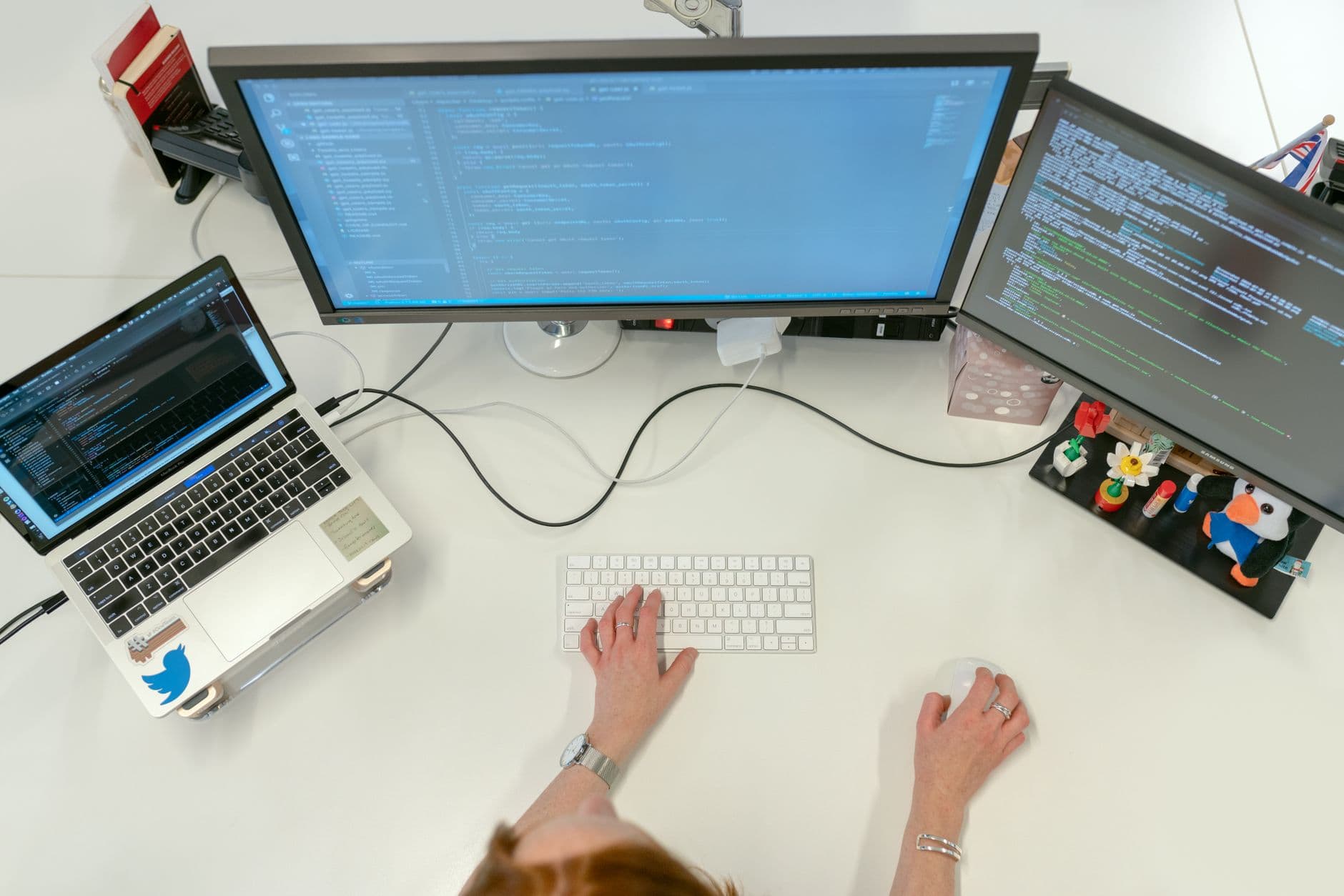
The moment the rectangles have to actually fetch something, the guessing stops.
Prototyping in Design vs an MVP: The Line That Matters
A prototype tests whether something works and whether people understand it. An MVP tests whether anyone wants it, using real customers, real money, and real consequences. The gap between the two is the work of turning a prototype into a working MVP, and it is deliberate rather than cosmetic.
That makes them sequential, not interchangeable. A prototype answers feasibility and usability in a controlled setting where failure costs nothing. An MVP answers demand in a market where failure costs reputation. Running the second before the first is how teams discover an unusable product has a market it cannot serve.
The saving is measurable. Teams that prototype heavily at the front end report around 50% fewer late-stage changes, according to Presta's 2026 guide for product leaders. Late-stage changes are the expensive ones, because by then the decision has concrete poured over it.
How to Test a Prototype Without a Research Budget
Testing is the part of prototyping in design people skip, usually because they assume it needs a lab. In reality, putting it in front of real users needs nothing more than five people and a task. Recruit five people. That number is the finding: five participants tend to surface roughly 85% of usability issues, per ParallelHQ's 2026 guide to product validation. A sixth participant mostly re-finds what the first five already told you.
Give each participant a task, not a tour. "Book a return journey for next Tuesday" produces evidence. "What do you think of this screen?" produces politeness.
Then watch, and resist the urge to help. The moment you explain the interface, you have destroyed the data, because the finished product will not come with you attached.
Run small rounds rather than one big study. Fix, retest, repeat. AI-moderated testing has made this cheap: sessions that once took three to four weeks can now return results in under two hours, on Articos's 2026 analysis of prototype testing methods. When a round costs an afternoon, there is no excuse for testing once.
Five strangers, one task each, and the strength not to explain your own interface.
Benchmarks That Tell You It Is Safe to Build
Opinion is a poor signal. Task completion is a good one.
Aim for 80% or better on critical flows, which Bug0's 2026 knowledge base treats as the practical benchmark for a validated prototype. Below 50%, the flow may need redesigning rather than tweaking, because a majority failure rate is a structural problem wearing a usability costume.
The stronger signal sits higher. Task completion above roughly 90% suggests the prototype is ready to move into build, on the same 2026 Articos analysis. Between 50% and 80% you are in iteration territory: the concept holds, the execution does not yet.
Record the number every round. A completion rate that climbs across three rounds is evidence. A completion rate nobody measured is a feeling.
How AI Changed Rapid Prototyping Speed in 2026
The front of the build cycle has compressed. AI-assisted tooling now cuts build time by 40% to 60% on Smart WebTech's 2026 figures, and AI-assisted rapid prototyping is delivering working builds three to five times faster than a traditional design-to-code cycle, per FlutterFlow's 2026 write-up.
The catch is that speed amplifies whatever you pointed it at. Generating five prototypes in the time one used to take is only progress if someone decided which question each of the five answers. Otherwise you have industrialised the production of things nobody asked for.
Use the recovered time to test more, not to build more. The bottleneck in prototyping in design was never the making. That discipline is what modern rapid prototyping services are built to protect.
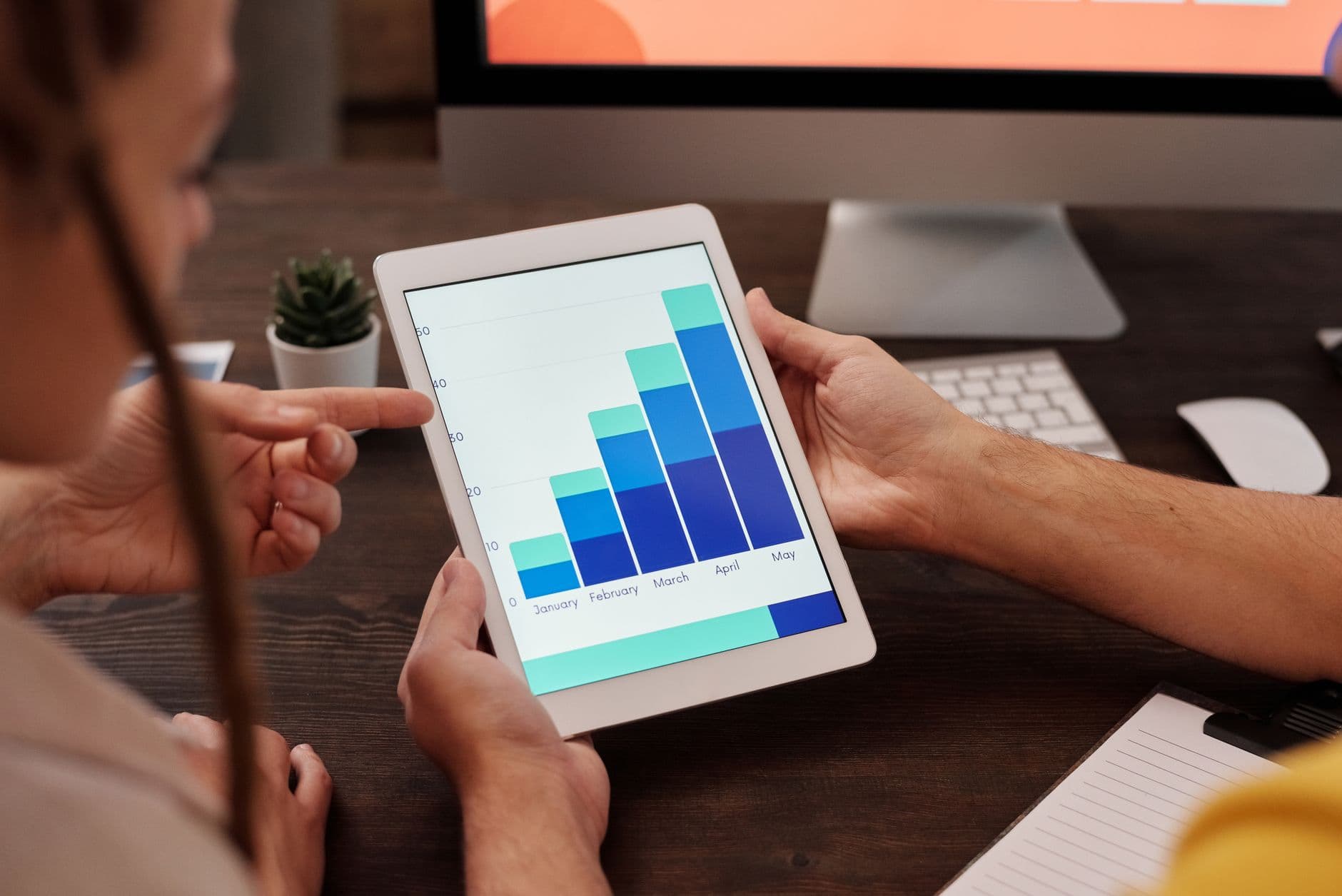
A number climbing across three rounds is evidence. A vibe is not.
The Business Case for Prototyping in Design
The case rests on decisions more than on design quality. Where prototypes sit in the wider design process is covered in our overview of digital product design.
Stakeholders who can click something decide faster: Presta's 2026 data puts the improvement in decision speed at around 35%. Arguments about hypothetical interfaces expand to fill the calendar. Arguments about a working prototype tend to end in the meeting.
The gains carry through to launch. Fixing flows found during prototype testing has been linked to sign-up completion rising by about 40% after launch, on ParallelHQ's 2026 figures. The friction gets found either way. Prototyping decides whether it is found by five participants or by every customer you have.
Set that against the 30x cost multiplier on production defects, and the sums stop being close.
From Validated Prototype to Build
A validated prototype is evidence, not a product. The handoff matters as much as the testing: the completion data, the failed flows, the decisions you made and why, and the component work that survives into the real codebase, all of which becomes the starting stock for developing an MVP.
That is where prototyping in design hands over to rapid MVP development, and where the questions change from "does this make sense?" to "does the market want it?" Arch works this way because the alternative is expensive: teams who skip the evidence step tend to build the right thing badly, or the wrong thing beautifully. For the next step, the full guide to MVP software development covers how to scope and launch that first release.
Pick one flow, prototype it this week, and put it in front of five people who are not on your team. A focused Kick Start engagement is one way to do exactly that.
The prototype's last job is to be handed over, then quietly forgotten.
Frequently Asked Questions
What are the main types of prototype?
Prototyping in design splits into throwaway and evolutionary families, across four rough fidelity levels: paper sketches, wireframes, clickable prototypes, and functional prototypes that run real code. Throwaway prototypes are binned once they have answered their question. Evolutionary ones become the seed of the production codebase. The choice depends on whether you are testing an idea or testing a build.
What is a functional prototype?
A functional prototype runs real code against real data, rather than simulating behaviour with linked screens. It is the only fidelity level that tests feasibility, so it answers questions a clickable mock-up cannot: does the integration return data fast enough, does the logic hold, can this be built at all. It typically comes after a clickable prototype has proved the concept makes sense.
How many users do I need to test a prototype?
Five is the working number. Five participants tend to surface roughly 85% of usability issues, and a larger sample mostly re-finds the same problems. Two rounds of five beat one round of ten, because the second round tests your fixes rather than repeating your findings.
How is a prototype different from an MVP?
A prototype tests feasibility and usability in a controlled setting where failure is free. An MVP tests market demand with real customers, real money, and real consequences. They run in sequence, not as alternatives. Prototype first, so the MVP is testing whether people want a product that already works.
What tools are used for rapid prototyping?
Figma and Framer cover sketching through to clickable prototypes. For code-based work, v0, Builder.io, and AI-assisted editors such as Cursor turn flows into running code. There is no single right stack. Pick the tool that matches the fidelity level your question needs, and change tools when the question changes.
About the Author
Hamish Kerry is the Marketing Manager at Arch, where he has spent the past six years shaping how digital products are positioned, launched, and understood. He has over eight years in the tech industry and a deep understanding of accessible design and user-centred development, with a focus on delivering real impact to end users. His interests include AI, app and web development, and the potential of emerging technologies. Outside campaigns, he keeps a close eye on how tech can drive meaningful change.
You can catch up with Hamish on LinkedIn
Sources
- BetterQA, Cost of Fixing Bugs by SDLC Stage: Why Production Is 30x (published 11 March 2026)
- Mordor Intelligence, Product Prototyping Market Size, Share & 2031 Trends Report (published 28 May 2026)
- Smart WebTech, Startup Product Development 2026: Stages, Frameworks & Cost (published 22 May 2026)
- FlutterFlow, What Is Rapid Prototyping in 2026 (published 1 April 2026)
- Presta, Rapid Prototyping Benefits: The Strategic Guide for 2026 (published 6 February 2026)
- ParallelHQ, Testing Your Prototype: A Guide to Product Validation (published 18 March 2026)
- Articos, Prototype Testing: Methods, Steps and Best Practices (published 9 June 2026)
- Bug0, Prototype Testing: Methods, When to Use It, and What to Measure (published 15 May 2026)